
Get the licence
- In the user.wolfram.com/portal log in using your Wolfram ID. You must use your Técnico email (@tecnico.ulisboa.pt):
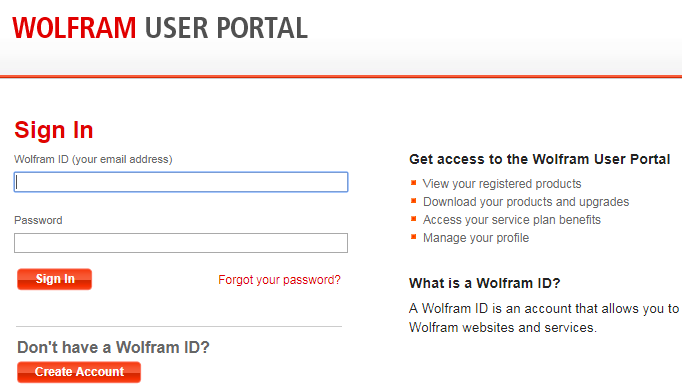
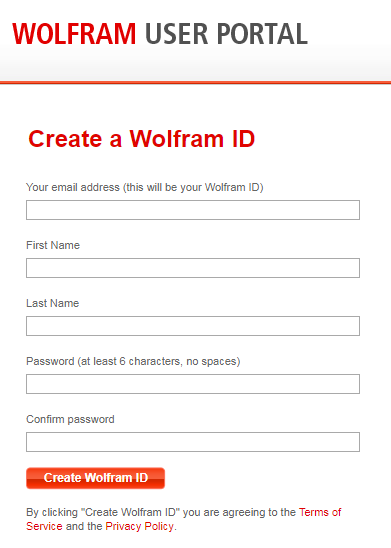
- When you create your account, you will receive a validation email sent by Wolfram to finish your registration.
- Afterwards, please access the Mathematica Activation Key Request Form.
- Fill in your information and select the platform where you will install the software:
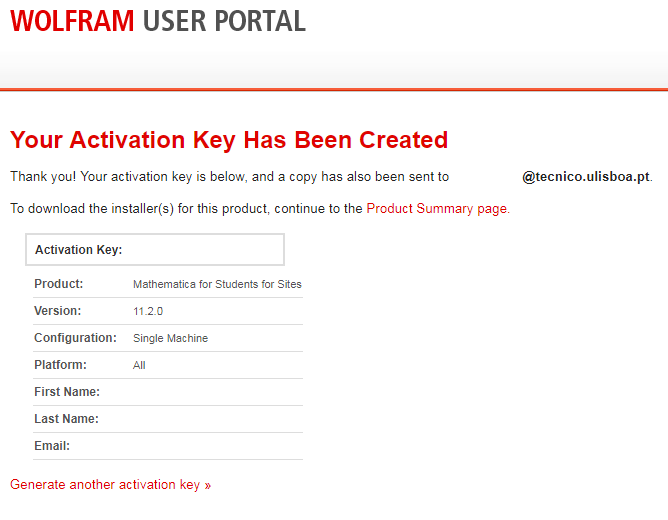
- You now have access to your activation key, which will be asked during the installation to activate Mathematica.